ForeUI for Wireframing and Interaction Design
ForeUI is a powerful UI prototyping tool to help you with designing the layout and behavior of your software / website.
With ForeUI you can create wireframe with any fidelity and you can simply switch the UI theme to change its style. You can also create working prototype by defining some intuitive flow charts in ForeUI. The working prototype can be exported as DHTML or run in web browser.
If you are working on information architect, UI design, user experience or interaction design, or if you are a member of software / website development team, or if you want to outsource a software / website project, ForeUI can help you a lot. Because it can:
- Showcase your design in mind visually and make others get your point immediately.
- Collect feedback from others at very early design phase.
- Provide some diagrams for technical documentation before any code is written.
- Perform usability test before beta version is ready.
Various Wireframe / Mockup / Prototype Creation
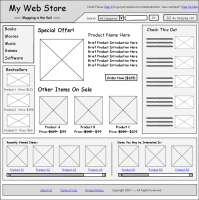
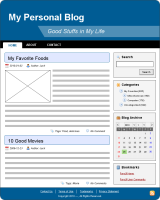
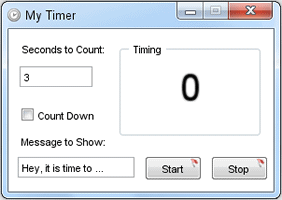
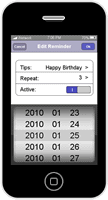
With ForeUI you can create wireframes or interactive prototypes for website or desktop / mobile / web applications.
Some examples are listed below; you can click the thumbnail to run its DHTML simulation.
Try ForeUI for FREE
You can use Free and Full-Featured ForeUI for 15 days, no email address required. Please try before making your decision:
 or
or

Skinnable Wireframe / Mockup / Prototype
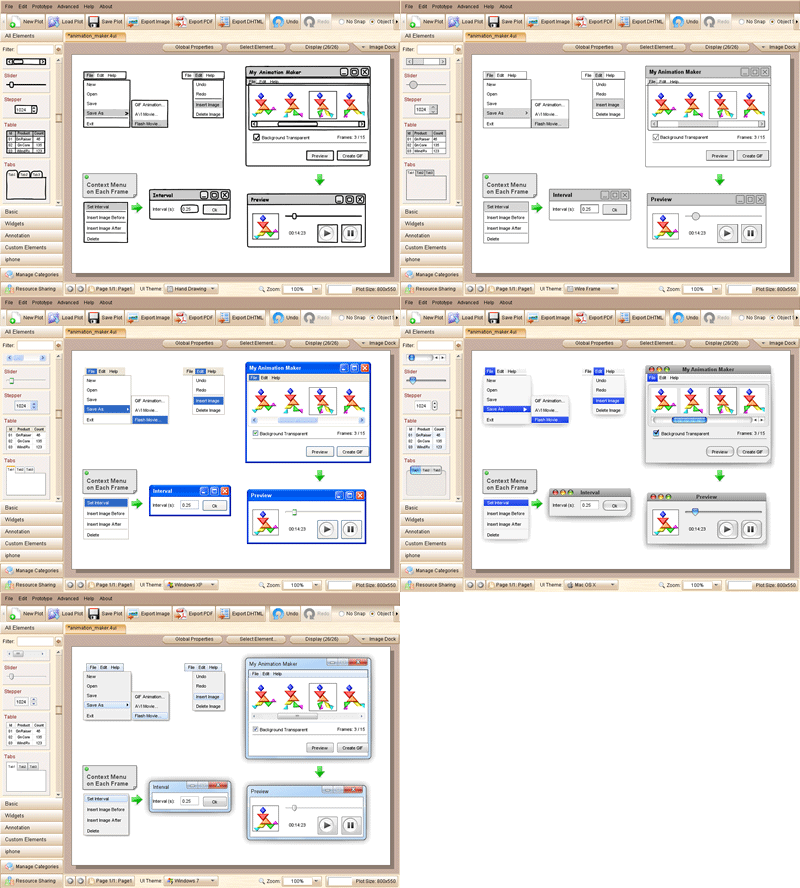
ForeUI provides 5 UI themes for your wireframe / mockup / prototype (let's use "Design" to cover all these), so you can easily change the design style with a single click. Your design can have a hand drawn look, flat wireframe look or native OS look (for Windows XP, Mac OS and Windows 7).
Define Behavior
With ForeUI you can create static mockup and export as images for review or documentation. You can also make it interactive by defining its behavior and run it as DHTML simulation in your web browser.
You can define the behavior for each element without coding. All interactions will be defined as event handlers, and each event handler is an intuitive flow chart:

How to Use
Here is a short video to help you start quickly:
You can get more information from the ForeUI Online Document. You can also check out our FAQ.
How often will ForeUI Update?
We will release new version every two weeks under usual conditions. You can subscribe our blog to get notification about the update, or you can fill in the form below to join our mailing list:
Want More Elements?
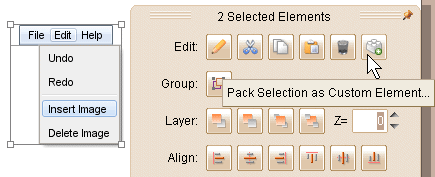
With ForeUI you can define your own element and save it for future usage. Just select something in your mockup and pack them into a custom element:
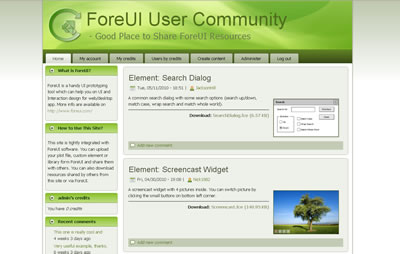
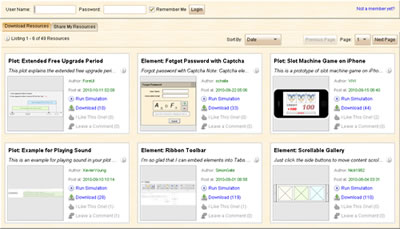
ForeUI is integrated with the community site (www.ForeUI.net), you are welcome to share your own mockups or custom elements with the community, and of course you can download more elements shared by others.
And you can always launch the community content directly from ForeUI (click the "Resource Sharing" button on bottom left corner):
Need Support?
No matter you are our customer or the trial version user, we will provide you the free support service. You can visit our support forum anytime.
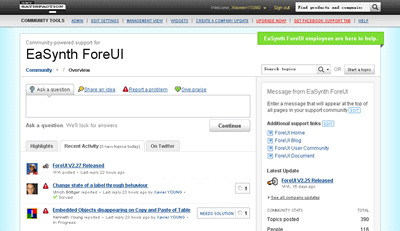
The product manager of ForeUI will be there for help, so don't hesitate to post a thread if you have any question, comment or suggestion.
Try ForeUI Now
or