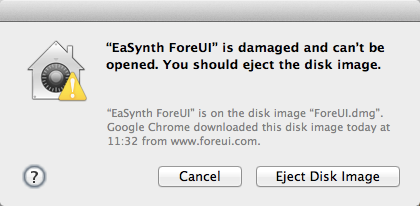
We recently received some reports about not able to run ForeUI in Mac OS X 10.8 (Mountain Lion). When double clicking ForeUI icon, system pop up a message like this:
After checking, we realize the downloaded file was correct, and the reason that ForeUI can not run is the lack of code signing (with Apple developer certificate). It is a new feature of Mac OS X 10.8 (Mountain Lion), which is called “Gatekeeper”. You can find more details about Gatekeeper from Apple’s web site. In short, Gatekeeper just like an application firewall, and it will reject some application according to its security setting.
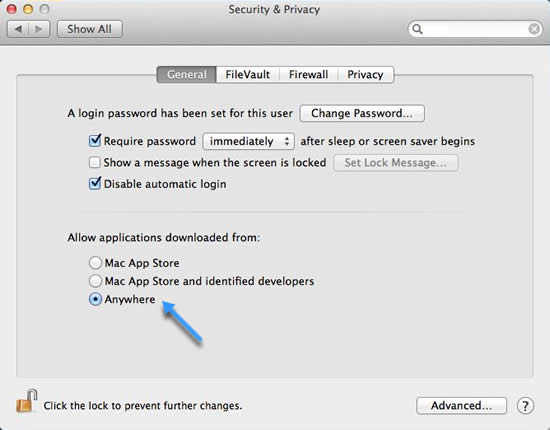
We believe the Gatekeeper will bring more security to user’s Mac, but it does bring us some trouble, since we don’t have the Apple developer certificate yet. Before we could release a code signed version of ForeUI, please use the following workaround to run ForeUI: (temporarily) allow applications downloaded from “Anywhere” before running ForeUI. The configuration can be made in the “Security & Privacy” panel, as shown below:
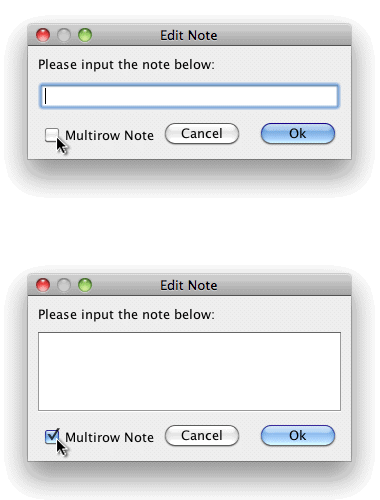
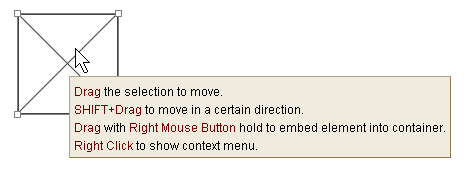 However it became kind of annoying to experienced users, so we provide the option to turn it off. Thank David Kjos’s suggestion for this.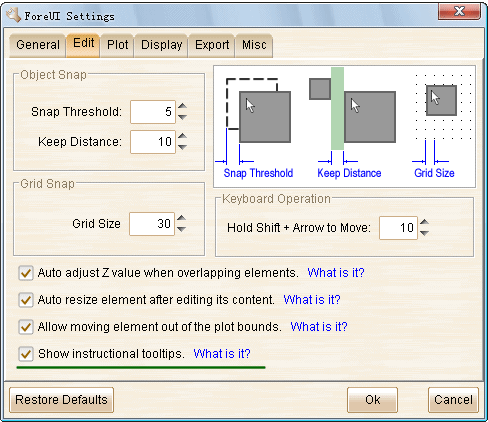
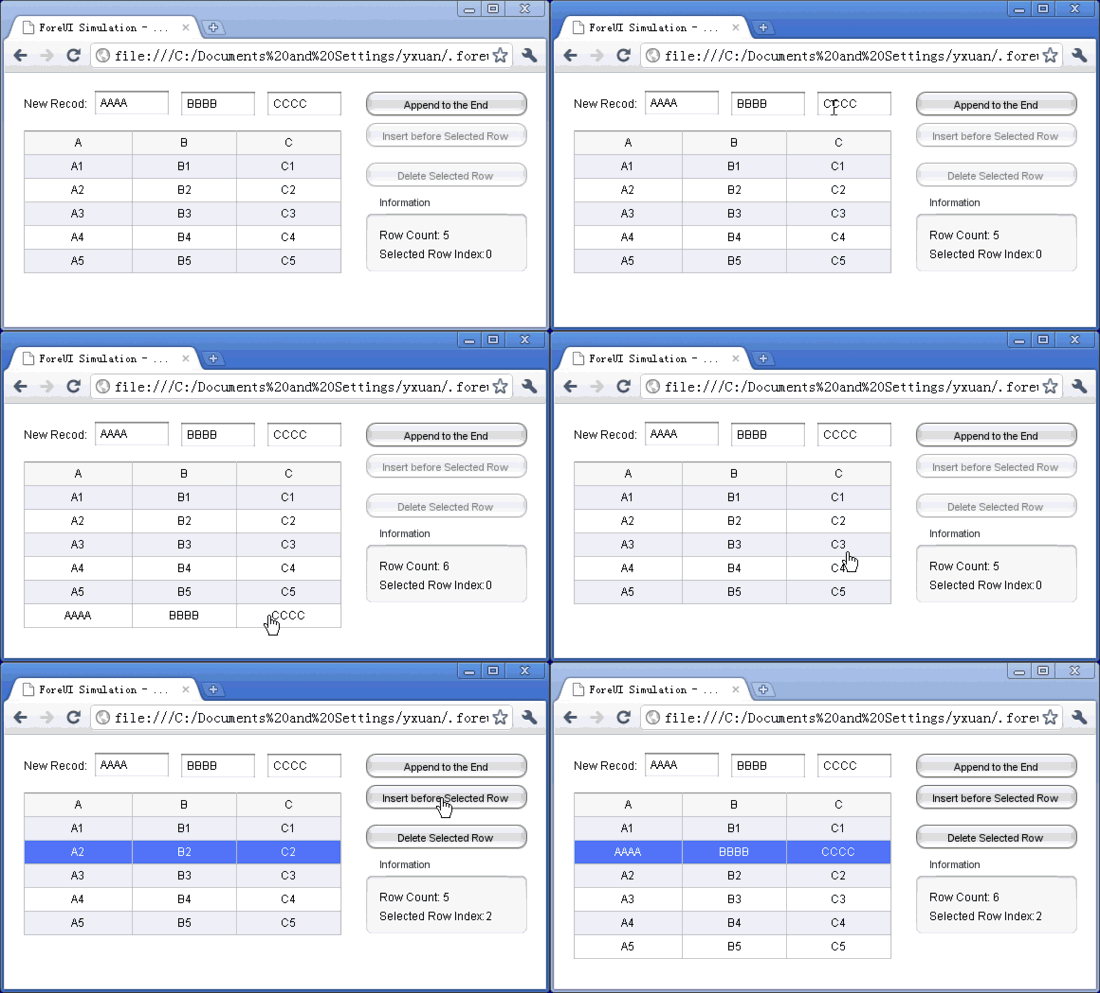
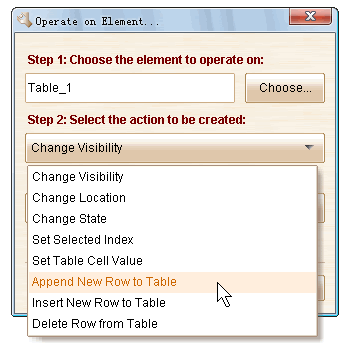 Also there are two new properties available for Table element:
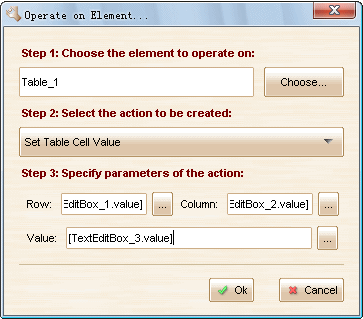
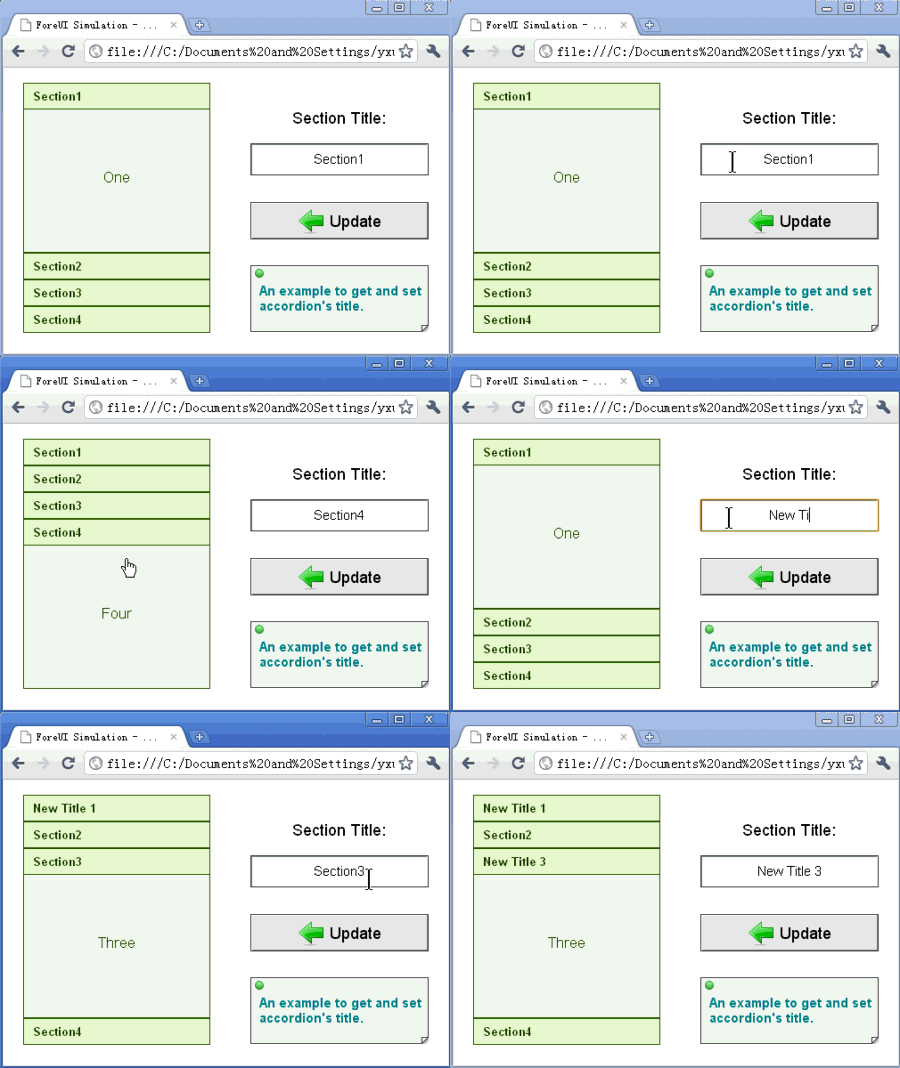
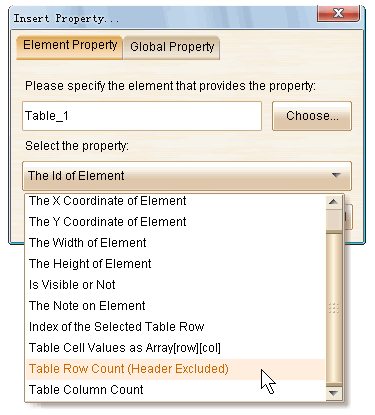 What’s more, we made an enhancement on the “Table Cell Values” property, thus you can use variable (property) as the row or column index for the array. With all these new facilities, we could use Table element as data reposition, to read/write real data in the prototype. Thank