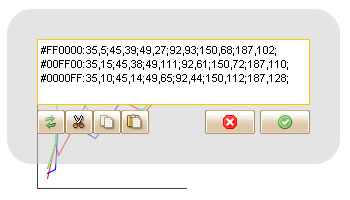
After two weeks development, we can proudly deliver ForeUI V1.70 today! As I mentioned, we will provide more and more web stuffs in ForeUI, so this time we bring a new Bar Chart element. We’ve planed improving the behavior editor for a long time, and we’ve made it in this update.
Bar Chart Element
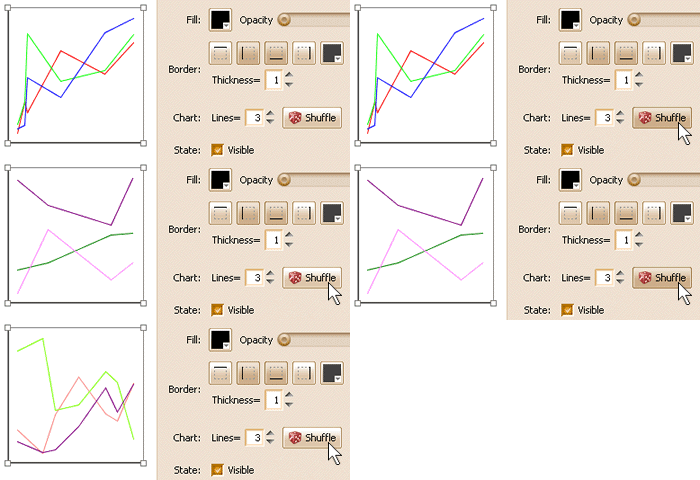
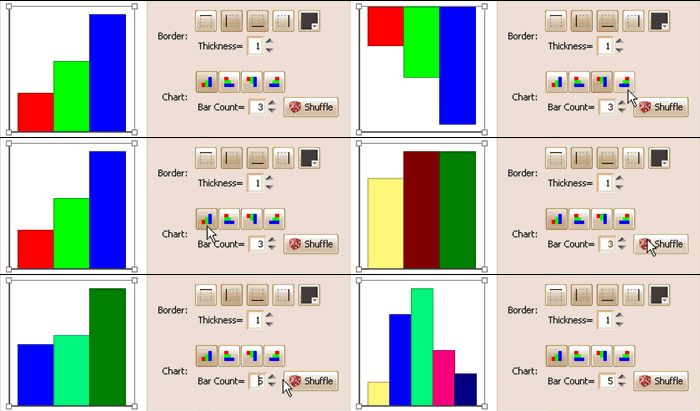
It is a new chart element that similar with the line chart, but it render the data with multiple bars. You can edit its data by double-clicking the chart, each row of the data represent a bar, it is formated as “Color: value”. You can specify the chart direction freely. Like the line chart, you can also generate random data for it with just one click away, the GIF animation below shows the details:
Switch Branching
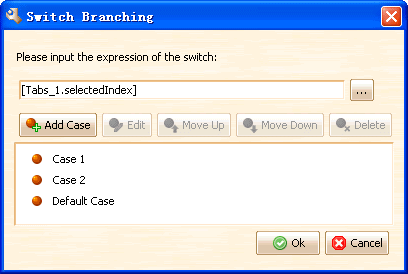
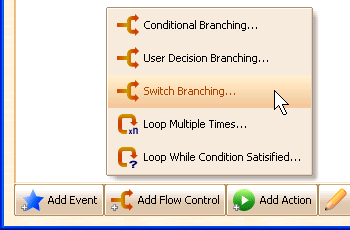
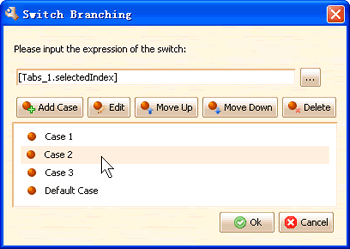
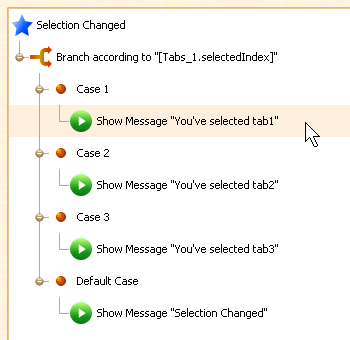
Before V1.70, you may have to use several nested conditional branchings to check a value, but now with the switch branching, you can make your flow chart much more simpler. Switch branching allow you to specify an expression and you can define as many cases as you need.
Enhanced Behavior Editor
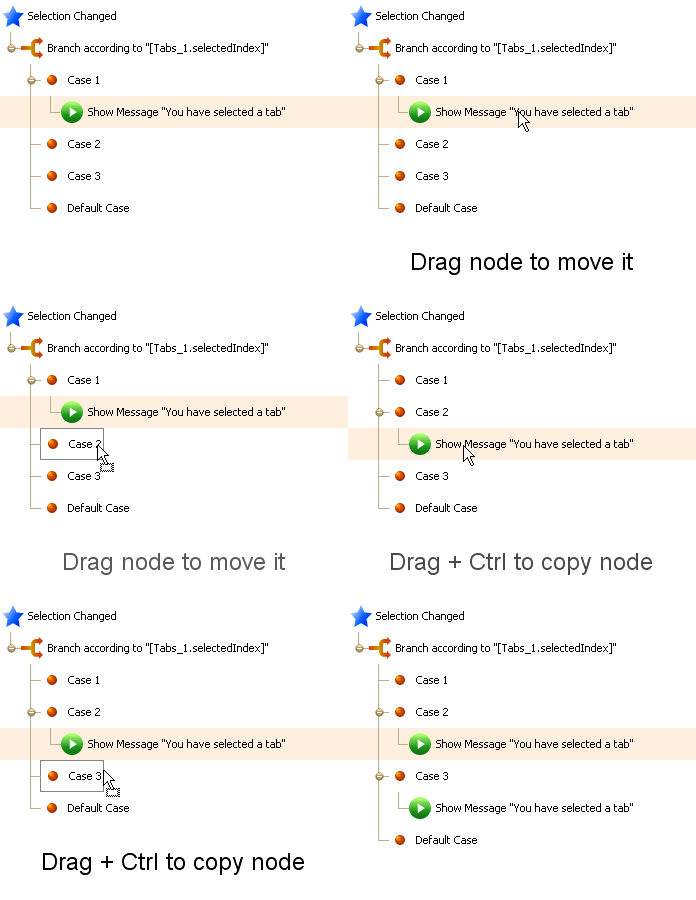
Now the behavior editor is much more easier to use, you can drag and drop nodes within the behavior tree. The GIF animation below shows the details:
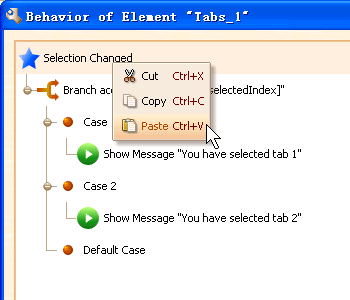
What’s more, we’ve implemented the context menu for behavior editor, the cut/copy/paste commands are available in the context menu:
Avoid Moving Element by Mistake
This enhancement is requested by Ulrich, if your machine is fast enough, you may move the element by mistake when you just want to select it. We make a simple machanism to avoid this: just ignore the mouse dragging for a while after performing the selection. The element will “stick” on its location for a short while, thus you will not move it by mistake, the two videos below shows the difference:
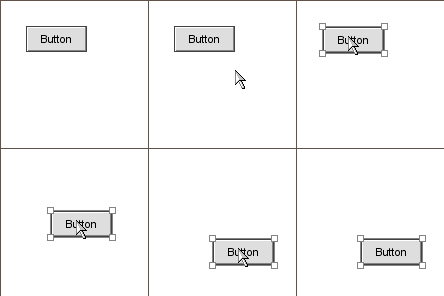 Before V1.70
|
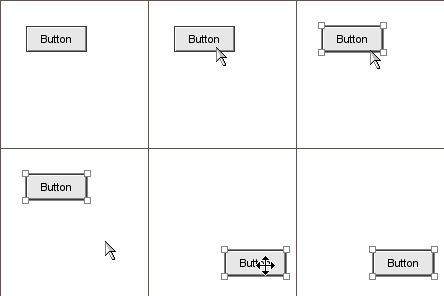 V1.70 and above
|
Other Enhancements:
- Press Shift to lock aspect ratio when resizing
- Some new hotkeys:
- ESC to close the text editor
- ESC to close page manage window
- Ctrl+X (CMD+X in Mac) to cut node in behavior editor
- Ctrl+C (CMD+C in Mac) to copy node in behavior editor
- Ctrl+V (CMD+V in Mac) to paste node in behavior editor
Fixed Bugs:
Bug_0101: The background of element chooser should be fully filled with plot’s background color
Bug_0102: Some buttons in text editor are hidden when using Windows’ native look and feel.
Bug_0103: Item with spaces in MenuBar element is not highlighted correctly.
Bug_0104: Element default font should be the same with the tool’s default font.
Bug_0105: Group members’ z values are ignored in simulation.